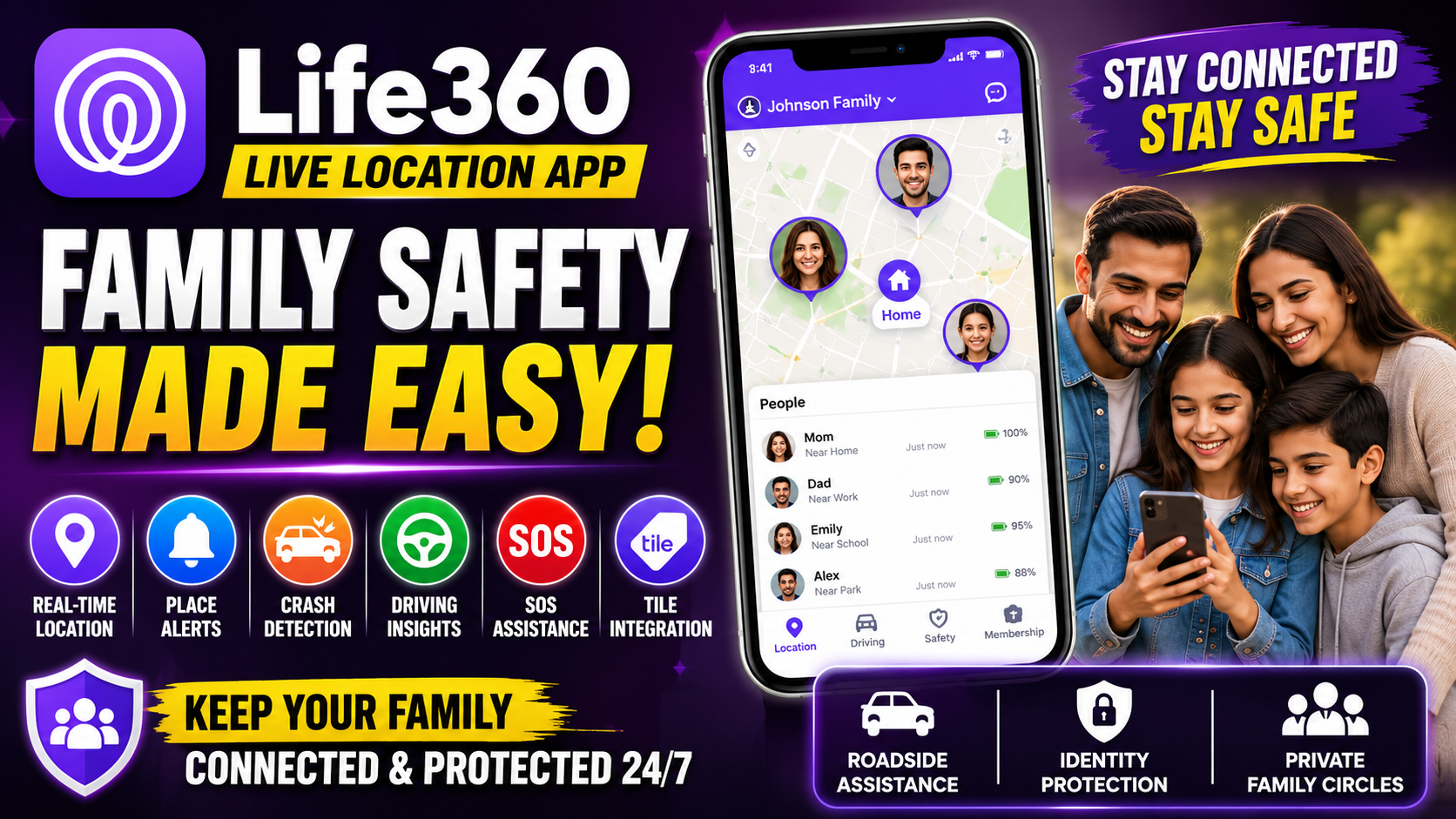
Life360 Live Location App 2026 : The Life360 Live Location App is a family safety and location-sharing app that helps family members stay connected. It allows users to share their real-time location with selected people and provides additional safety features for driving, emergencies, and everyday travel.
Family members can create private groups called Circles, where they can see each other’s locations and receive alerts when someone reaches or leaves a selected place.
What is Life360?
Life360 is more than a basic GPS location tracker. It is designed as a family safety app where users can privately share their location with trusted family members.
Depending on the device, region, and subscription plan, Life360 may also provide features such as crash detection, SOS assistance, driving information, roadside assistance, and identity protection.
Main Features of Life360
Real-Time Location Sharing
Life360 allows Circle members to share their live location with each other. This can be useful for families who want to know when their children or other family members have safely reached their destination.
Place Alerts
Users can save important places such as Home, School, College, or Work. The app can then send notifications when a Circle member arrives at or leaves a saved location.
Crash Detection
Life360 also offers crash detection functionality. The app uses information from the smartphone’s sensors to identify certain serious driving incidents and may provide emergency assistance depending on the user’s plan and location.
Driving Information
Families can use available driving features to view information about trips and driving behaviour. This may be particularly useful for parents who want to keep track of young drivers.
Tile Integration
Life360 also works with compatible Tile Bluetooth trackers, allowing users to locate everyday items such as keys, bags, and wallets from within the Life360 ecosystem.
How to Download Life360 App
For security, users should download Life360 only from trusted app stores.
For Android: Open the Google Play Store, search for Life360, select the official app, and tap Install.
For iPhone: Open the Apple App Store, search for Life360, select the official app, and tap Get.
Avoid downloading unknown APK files from untrusted websites.
How to Set Up Life360
After installing the app, open it and start the registration process.
Enter your mobile number and complete the verification process. After verification, provide the required profile information and create your account.
Life360 may request location, notification, physical activity, and other permissions. Some features require specific permissions to work properly, so review the permission requests and choose the settings that match how you want to use the app.
Create or Join a Circle
Life360 uses private groups known as Circles.
If you want to create your own family group, create a new Circle and invite your family members.
If another family member has already created one, you can use their invitation or code to join the Circle.
Once connected and with location sharing enabled, Circle members can see one another on the map according to their privacy and permission settings.
Life360 Plans
Life360 offers different subscription options, and available features can vary between plans, countries, and over time.
Paid plans may include additional location history, roadside assistance, driving safety features, emergency support, and identity protection.
Before purchasing a subscription, check the latest pricing and included benefits directly inside the Life360 app or on its official website.
Is Life360 Useful for Families?
Life360 can be useful for families who voluntarily want to share their locations and have additional safety tools available in one app.
Features such as location sharing, place notifications, driving information, crash detection, and emergency assistance can make it easier for family members to stay connected.
Users should also review the app’s privacy settings and decide which information they are comfortable sharing with other Circle members.
Conclusion
The Life360 Live Location App combines family location sharing with several safety-focused features. It can help users check the location of participating family members, receive arrival and departure alerts, and access additional driving or emergency features depending on their plan.
For the safest experience, download Life360 from an official app store and carefully review its location and privacy permissions before using it.
Disclaimer
This article is for informational and educational purposes only. Features, subscription plans, pricing, availability, and services offered by Life360 may change over time and can vary by country or device. Always check the official app listing and Life360’s official information before downloading or purchasing a subscription.