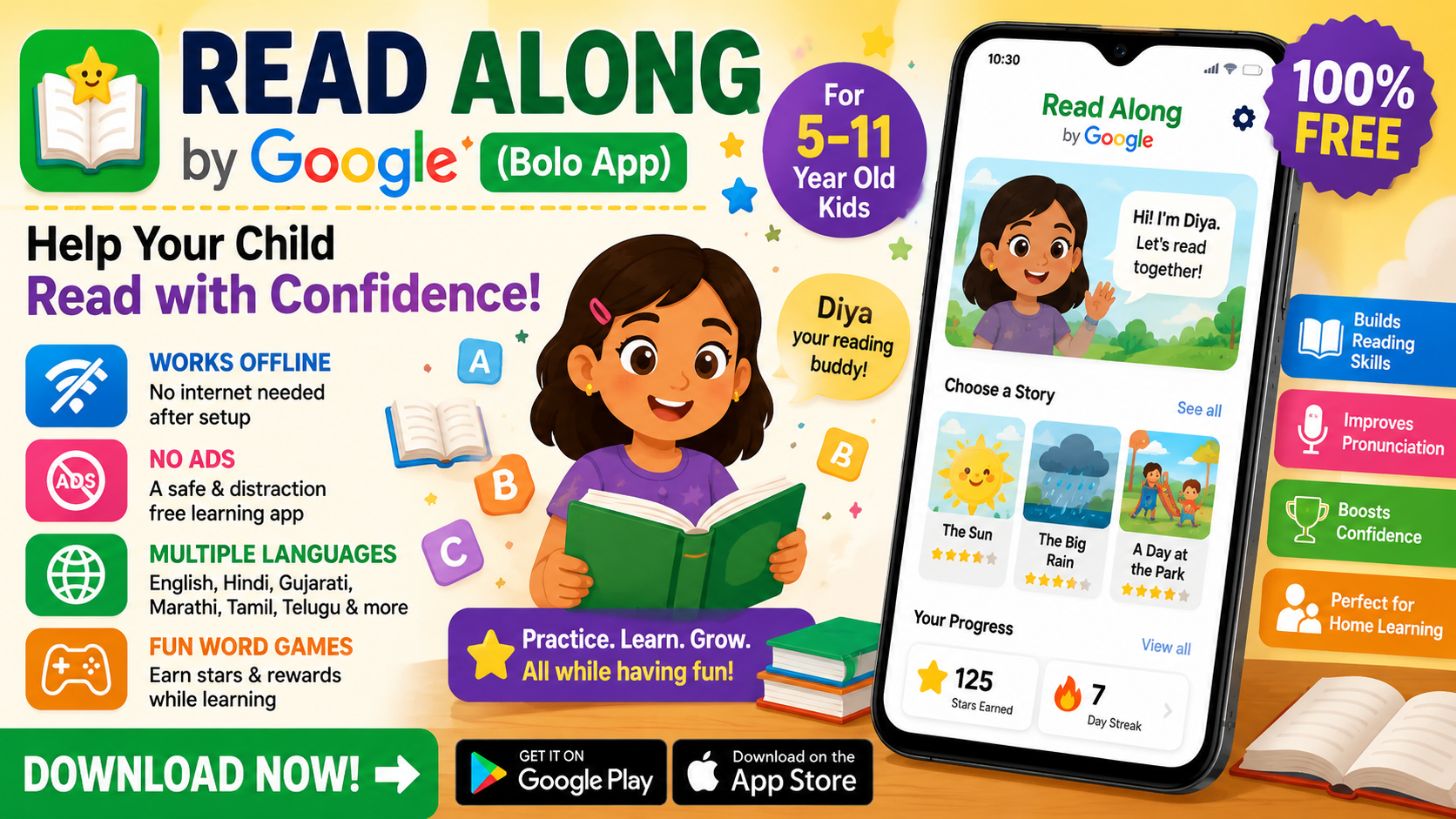
Read Along by Google App Download : In today’s digital world, educational apps have become an excellent way to help children learn from home. If you want to improve your child’s reading skills in a fun and interactive way, Read Along by Google is one of the best free learning apps available.
Previously known as Bolo App, Read Along is designed especially for children between the ages of 5 and 11. It helps kids practice reading through engaging stories, games, and voice-based learning activities. In this guide, you’ll learn what the app is, its key features, how to download it, and why it is a great choice for parents and teachers.
What is Read Along by Google?
Read Along by Google is a free educational app that helps children develop reading skills using Google’s speech recognition technology. The app listens as children read aloud and provides instant feedback to improve pronunciation and fluency.
One of its standout features is Diya, a virtual reading assistant. Diya encourages children while they read, rewards correct pronunciation, and gently helps them when they make mistakes. This makes learning more enjoyable and keeps children motivated.
Key Features of Read Along by Google
Read Along includes several useful features that make learning fun and effective.
- Completely free to use
- Works offline after the initial setup
- No advertisements or in-app purchases
- Supports multiple languages, including English, Hindi, Gujarati, Marathi, Tamil, Telugu, and more
- Interactive reading games and activities
- Voice recognition technology for pronunciation practice
- Personalized reading progress tracking
- Child-friendly interface with colorful graphics and rewards
How to Download Read Along by Google App
Downloading the app is simple and only takes a few minutes.
Step 1: Open Google Play Store
Unlock your Android device and open the Google Play Store.
Step 2: Search for the App
In the search bar, type Read Along by Google and search.
Step 3: Install the App
Select the official app developed by Google and tap the Install button.
Step 4: Complete the Setup
After installation, open the app, choose your preferred language, and create a reading profile for your child. The app is now ready to use.
Why Parents Choose Read Along
Many parents look for affordable ways to improve their children’s reading skills. Read Along offers several advantages compared to many paid learning platforms.
| Feature | Read Along by Google | Many Online Learning Platforms |
|---|---|---|
| Price | Free | Paid Subscription |
| Offline Support | Yes | Usually No |
| Advertisements | No | May Include Ads |
| Reading Practice | Interactive | Mostly Video Lessons |
| Child-Friendly Design | Yes | Varies by Platform |
Languages Supported
The app supports multiple languages, allowing children to learn in their preferred language. Some of the supported languages include:
- English
- Hindi
- Gujarati
- Marathi
- Tamil
- Telugu
- Bengali
- Urdu
- Spanish
- Portuguese
Language availability may vary depending on your device and region.
Benefits of Using Read Along
Using Read Along regularly can help children:
- Improve reading confidence
- Learn correct pronunciation
- Increase vocabulary
- Build better reading habits
- Develop independent learning skills
- Make learning enjoyable through games and rewards
Is Read Along Safe for Children?
Yes. Read Along is designed specifically for young learners. It does not display third-party advertisements or require unnecessary purchases. After the initial setup, most reading activities work offline, making it a safe learning environment for children.
Conclusion
Read Along by Google is one of the best free reading apps for children. Its interactive lessons, speech recognition technology, and engaging reading games help young learners improve their reading skills in a fun and effective way.
Whether your child is just starting to read or wants to become more confident, Read Along provides an easy and enjoyable learning experience. Simply download the app from the Google Play Store, complete the setup, and let your child begin their reading journey.
Disclaimer
This article is provided for informational purposes only. We are not affiliated with, sponsored by, or endorsed by Google or the Read Along app. All trademarks, product names, and logos belong to their respective owners. Features and availability may change over time, so please check the official app listing for the latest information before downloading.